
A picker scans a pallet in aisle 9 and the handheld freezes. They walk back towards the dock, it reconnects, and they try again. Repeat that across a shift and a team, and you’re losing hours every week.
Poor warehouse WiFi is one of the most common headaches for manufacturers with a stores area, a despatch bay or a full warehouse. The fix is rarely a bigger router.
This guide is for owners, ops directors and site managers at UK manufacturers and distributors. You’ll learn why warehouses are hard for wireless and how to improve warehouse WiFi step by step. You’ll also get a site survey checklist and the factors that drive the cost.
Why is warehouse WiFi so hard to get right?
An office is a box with desks. A warehouse is a tall steel maze that changes shape every day. Five things cause most of the trouble.
- Height. Access points bolted to the roof at 12 metres have to push signal down through racking to a scanner at waist height.
- Racking and stock. Metal reflects signal. Liquids and dense stock soak it up. Coverage that was fine with half-empty racks can fail when you’re full.
- Moving devices. Scanners and forklift terminals have to hand over from one access point to the next without dropping the session.
- Interference. Motors, welders, neighbouring units and even the canteen microwave can crowd the 2.4 GHz band.
- Growth. You add a mezzanine or extend the racking, but the access points stay where they were fitted five years ago.
Picture a 30-person fabricator in Deeside that adds a mezzanine over its goods-in area. Overnight, the space underneath becomes a dead zone. Nothing broke. The building changed and the network didn’t. (Illustrative example.)
Is industrial WiFi different from office WiFi?
Yes. Industrial WiFi uses the same standards, but the design, kit and mounting are different.
| Office WiFi | Warehouse and industrial WiFi | |
|---|---|---|
| Ceiling height | 2.5 to 3 metres | Often 8 to 15 metres |
| Main devices | Laptops and phones | Scanners, forklift terminals, label printers, tablets, sensors |
| Obstacles | Plasterboard and glass | Steel racking, stock, machinery |
| Movement | People sit still | Devices roam all shift |
| Environment | Clean and warm | Dust, cold stores, open loading doors |
| Typical kit | Ceiling access points | Directional antennas, rugged or IP-rated access points, point-to-point links |
How to improve warehouse WiFi: 7 steps
- List what needs connecting. Count scanners, terminals, printers, tablets, cameras and sensors. Note where they’re used and how many run at peak.
- Survey before you buy. A proper site survey measures real signal with stock in place. Guessing from a floor plan is how dead spots get built in.
- Design for your oldest device. Many scanners are older or 2.4 GHz only. Check the model specs before you choose bands and settings.
- Put access points where the work is. That’s often lower down, or using directional antennas aimed along the aisles. Let the survey decide, not habit.
- Plan for roaming. Use one network name, sensible power levels and fast roaming features where your devices support them.
- Separate the traffic. Keep scanners, office laptops and guest phones on separate networks. Use individual logins for staff rather than one shared password.
- Cable the backbone. Each access point needs a wired link back to a switch. Use point-to-point bridges for yards and separate buildings, and check your internet line can carry the load.
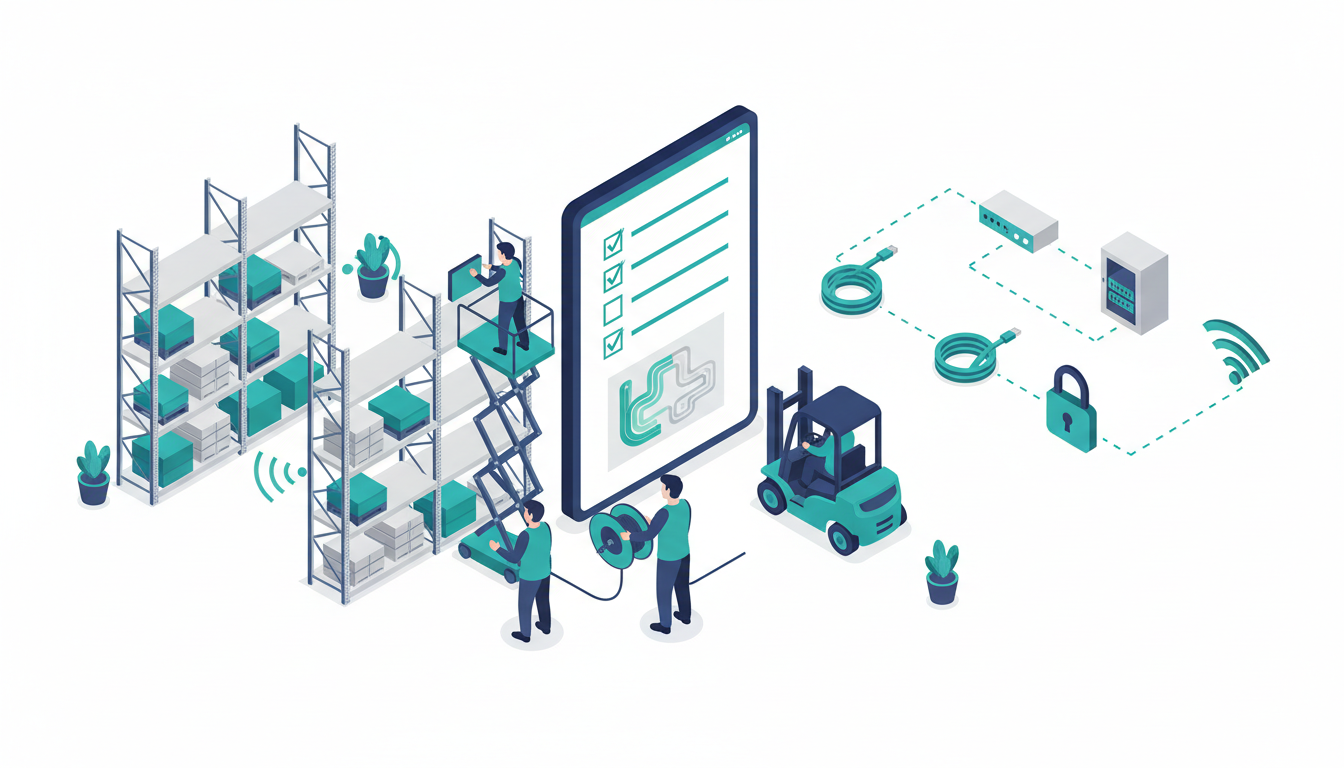
Picture an 18,000 sq ft distribution unit in Ellesmere Port with two roof-mounted access points. A survey shows the far aisles sitting below the signal level the scanners need. Adding access points at the aisle ends, cabled back to the comms cabinet, can fix it without replacing the whole network. (Illustrative example.)
If your internet connection is the weak link, our guide on how long a leased line takes to install explains the lead times.
What should a warehouse WiFi site survey include?
Not all surveys are equal. Ask your provider to confirm each of these in writing.
- Up-to-date floor plans with racking heights and mezzanines marked
- A list of your device models, not just “scanners”
- An on-site survey with stock at normal levels
- Heatmaps for signal strength and interference on 2.4 GHz and 5 GHz
- A roaming test, walking or driving a real route with one of your own devices
- Coverage checks for cold stores, loading bays and the yard
- A written design showing access point positions, mounting heights and cabling
- A validation survey after installation to prove it works
A quick word on bands. 2.4 GHz travels further but only has three channels that don’t overlap, so it gets crowded. 5 GHz has more room. In 2020 Ofcom opened the lower 6 GHz band (5925 to 6425 MHz) for licence-exempt Wi-Fi, which newer kit can use. Most warehouse scanners don’t support 6 GHz yet, so plan for 5 GHz first. Our post on Wi-Fi 7 covers what’s coming next.
What does warehouse WiFi cost?
There’s no fair fixed price, because two warehouses of the same size can need very different designs. These are the things that move the number.
| Cost driver | Why it matters |
|---|---|
| Floor area and height | Bigger and taller spaces need more access points and longer cable runs |
| Racking density | Narrow aisles and full racks need closer spacing |
| Number of devices | More devices at peak means more capacity |
| Access for installers | Work at height may need a lift and out-of-hours visits |
| Grade of kit | Cold stores and dusty areas need rugged or IP-rated units |
| Licences and management | Many business systems carry yearly cloud or support licences |
Now look at the cost of doing nothing. Say 12 pickers each lose 10 minutes a shift to dropouts and re-scans. That’s 2 hours a shift. Across two shifts, five days a week and 50 weeks, it’s 1,000 hours a year. At £15 an hour, that’s £15,000, before mis-picks and late despatches. (These figures are illustrative. Swap in your own.)
A WiFi refresh is a classic IT project delivery job: survey, design, install and validate, ideally around your quiet periods.
How does warehouse WiFi affect your cyber security?
Every access point is a door into your network. Treat it like one.
- Change default admin passwords on access points and controllers.
- Keep firmware up to date, and replace kit the maker no longer supports.
- Keep guest and staff phones off the network your scanners and systems use.
- Keep the warehouse wireless network apart from any machine or production network.
If you’re working towards Cyber Essentials, the current requirements cover firewalls and routers, including changing default passwords and applying security updates. Our guide to manufacturing cyber security explains how to separate office and shop floor networks.
Warehouse WiFi FAQs
How many access points does a warehouse need?
It depends on size, height, racking and device numbers, so there’s no reliable rule of thumb. A site survey gives you the real number and where each one should go.
Why does my scanner drop out in certain aisles?
Usually it’s a coverage gap behind racking, or the scanner clinging to a distant access point instead of roaming. A survey with your own device will show which.
Can I use mesh WiFi in a warehouse?
Consumer mesh kit relays signal wirelessly, which uses up airtime and adds delay. For scanners and terminals, cabled access points are the safer choice. Wireless links work well for yards or separate buildings.
Should factory WiFi and office WiFi be separate?
Yes. Separate networks limit the damage if one device is compromised, and stop office traffic slowing the scanners down.
Want to know where your WiFi is letting you down?
Book a free, no-obligation IT review call. We’ll talk through your site, devices and problem areas, then point out the gaps and quick wins we spot. No hard sell. Get in touch or call 0330 313 0966. Cirrus is based in Ellesmere Port, with a 7-day service desk and a 15-minute average response time. If you’d rather hand over day-to-day IT altogether, see our outsourced IT support.