
Your production line has stopped. The label printer won’t talk to the ERP, the shift supervisor can’t log in, and the person who “does the IT” is on holiday. Every hour the line sits idle costs you orders, overtime and goodwill.
Good IT support for manufacturing is built to stop that happening. It looks after the office, the shop floor and everything that connects them, on hours that match your shifts. This guide explains what manufacturing IT support should cover, the cyber risks UK manufacturers face, how pricing works, and the questions to ask before you sign. It’s written for owners, MDs and ops directors at SME manufacturers with 10 or more staff.
What does IT support for manufacturing actually cover?
Most IT support companies look after laptops, email and Microsoft 365. Manufacturers need more than that. Your IT runs across three layers, and problems often start where they meet.
| Layer | Typical examples | What tends to go wrong |
|---|---|---|
| Office IT | Laptops, Microsoft 365, finance and HR systems, phones | Phishing, unpatched devices, leavers keeping access |
| Business systems | ERP, MRP, stock control, CAD, label and dispatch printing | Failed updates, slow servers, no tested backup |
| Shop floor (OT) | Machine PCs, PLCs, CNC controllers, scanners, yard Wi-Fi | Old operating systems, flat networks, unknown remote access |
Operational technology (OT) is the kit that controls physical processes. The NCSC describes OT as technology that interfaces with the physical world, such as industrial control systems. Many IT providers treat it as “not our problem”. That leaves a gap right where your production lives.
Picture a 45-person fabrication firm near Ellesmere Port. The office runs on Microsoft 365. Two CNC machines are driven by PCs running an operating system that stopped getting updates years ago. Both sit on the same network as the accounts laptop. One infected email attachment could reach the machines. Good manufacturing IT support spots that on day one.
Why is manufacturing IT support different from office IT support?
Four things set manufacturing apart.
- Shift patterns. If you run early, late or weekend shifts, a 9 to 5 helpdesk leaves you exposed. Ask what happens at 6am on a Saturday.
- The cost of downtime. In an office, a dead laptop is annoying. On a line, a dead PC can stop output and leave staff standing idle.
- Legacy equipment. Machines last decades. The PC bolted to them often can’t be upgraded without the machine supplier. Support has to protect it, not just replace it.
- Supply chain pressure. Bigger customers now send security questionnaires before they place orders. Your IT setup can win or lose contracts.
That’s why generic outsourced IT support isn’t always enough. You need a provider who asks about your production schedule before they ask about your printers.
What manufacturing cyber security risks should you plan for?
The risk is real and recent. Jaguar Land Rover detected a cyber attack on 31 August 2025 and shut down its IT systems, pausing UK production for weeks. The government then backed a £1.5 billion loan guarantee. JLR’s supplier network supports an estimated 120,000 further jobs, many at smaller firms who felt the pain without being attacked themselves.
You don’t need to be a car maker to be a target. The government’s Cyber Security Breaches Survey 2025/2026 found:
- 43% of UK businesses identified a breach or attack in the last 12 months.
- That rises to 65% of medium businesses.
- 38% experienced phishing, by far the most common attack.
- Only 25% have a formal incident response plan.
- Just 15% reviewed the cyber risks posed by their immediate suppliers.
For manufacturers, three risks stand out. Ransomware that spreads from the office to the shop floor. Phishing that tricks finance into paying a fake supplier invoice. And remote access left open for a machine supplier years ago and never closed.
The fix starts with separation. Put shop floor kit on its own network segment, so a problem in the office can’t jump to the line. Then list every remote access route and switch off the ones nobody can explain.
Do manufacturers need Cyber Essentials?
Legally, no. Commercially, it’s heading that way. The NCSC says a growing number of organisations require suppliers to be certified to bid for work. Yet the same government survey found only 5% of businesses hold Cyber Essentials certification.
That’s an opportunity. If you supply larger manufacturers, retailers or public bodies, certification can move you up the shortlist. It also forces the basics: firewalls, secure settings, user access control, malware protection and patching. Our guide to the Cyber Essentials password policy covers one of the areas firms most often get wrong.
How much does manufacturing IT support cost?
There’s no single price for managed IT services for manufacturing, because no two sites are the same. What you can compare is how providers charge for manufacturing IT services. Most use one of these models.
| Model | How it works | Best for |
|---|---|---|
| Per user | Monthly fee for each person supported | Office-heavy firms with few shared machines |
| Per device | Monthly fee for each PC, server or managed device | Sites with many shared shop floor PCs |
| Fixed site fee | One monthly price agreed after an audit | Owners who want a predictable budget |
| Co-managed | Provider backs up your in-house IT person | Firms with a capable IT lead who needs cover |
| Pay as you go | Hourly or block-hour billing | Very small sites (costs are hard to predict) |
Four things move the price: out-of-hours cover for your shifts, how many on-site visits you need, how much shop floor kit is in scope, and whether security tools are included. If you already have someone in-house, read our guide to co-managed IT support before you decide.
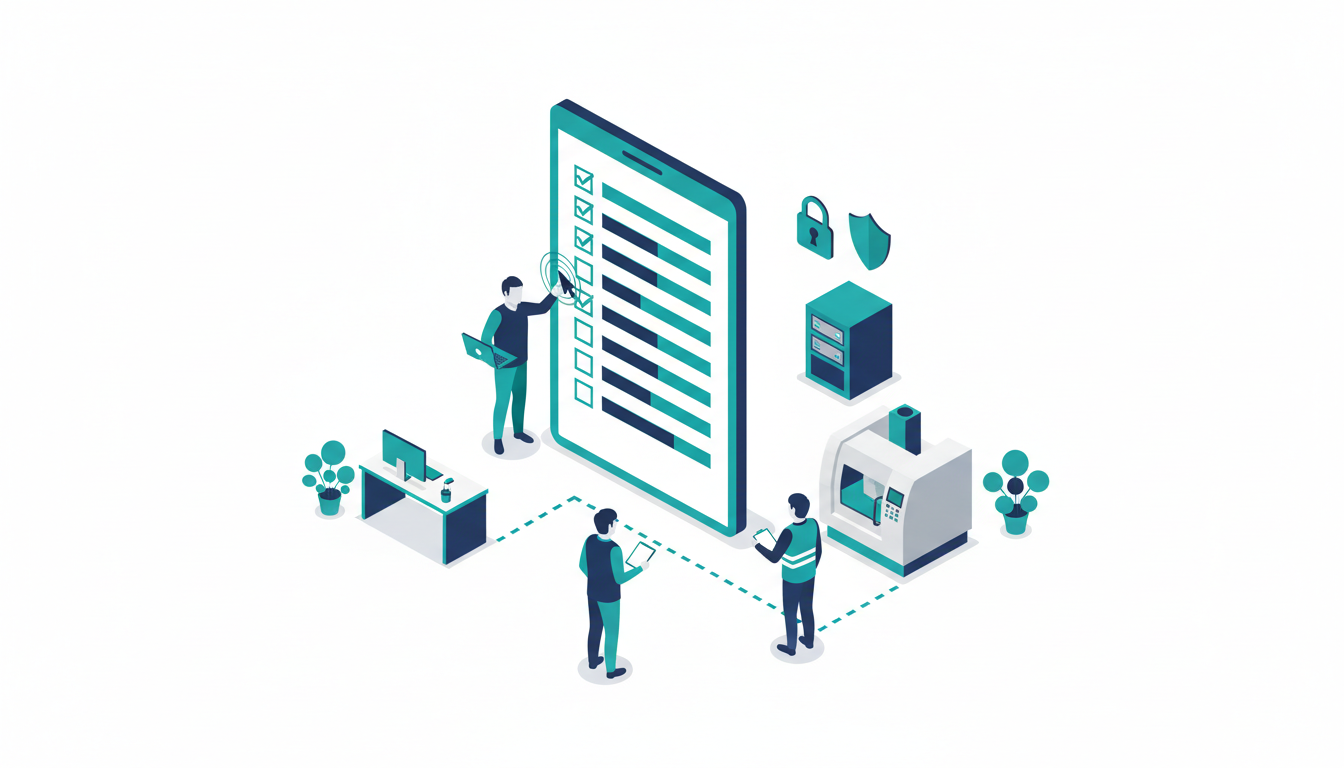
Checklist: 10 questions to ask a manufacturing IT support provider
Use this in your next sales meeting. Vague answers tell you a lot.
- What hours does your service desk cover, and does that match our shifts?
- What is your average response time, and is it in the contract?
- Will you support our shop floor PCs, or only the office?
- How will you keep machines with old operating systems safe?
- Will you separate our production network from the office network?
- Who can access our systems remotely today, and how will you check?
- How often do you test that our backups actually restore?
- Can you help us get, and keep, Cyber Essentials?
- What will you need from our machine and ERP suppliers?
- What happens in the first 30 days if we sign?
Should you choose a local manufacturing IT support company?
Most fixes happen remotely. But when a server dies or a new production cell needs cabling, someone has to turn up. For manufacturers across Cheshire, the Wirral, Liverpool and North Wales, a provider within an hour’s drive makes that easy.
Cirrus is based in Ellesmere Port. Our managed IT support UK service runs a 7-day service desk with a 15-minute average response time, and we’re Cyber Essentials certified. We’ve spent more than 10 years supporting multi-site operators whose systems can’t go down at the busiest moment, and we bring that same discipline to every site we look after.
IT support for manufacturing: FAQs
What is the role of IT support in manufacturing?
It keeps your office systems, business software and shop floor technology running and secure. That includes fixing faults, patching, backups, cyber security and planning upgrades so they don’t disrupt production.
What is the difference between IT and OT in manufacturing?
IT handles information: email, files, finance and ERP. OT controls physical processes: machines, PLCs and sensors. They increasingly share networks, which is why both need protecting together.
Do I need 24/7 IT support for my factory?
Only if you run around the clock. Match support hours to your shift pattern, and make sure there’s an agreed route for urgent production faults outside them.
How do I choose an IT support company as a manufacturer?
Ask the 10 questions above. Look for clear response times in the contract, willingness to support shop floor kit, a plan for network separation, and help with Cyber Essentials.
Get a free, no-obligation IT review
Not sure where your gaps are? Book a free IT review call. We’ll talk through your sites, shifts and systems, and point out the risks and quick wins we spot. No hard sell. Book your free IT review or call us on 0330 313 0966.