It is 9pm on a Sunday at the end of January. Your team is filing the last returns, and the practice software will not open. Nobody answers the IT support line until Monday.
If that sounds familiar, this guide is for you. Good IT support for accountants is not about fancy technology. It is about knowing your systems will hold up on the days that matter most, and that client data stays safe all year.
Below you will find what accountancy-specific IT support should cover, a January readiness checklist, the cyber security basics that stop payment fraud, how pricing works, and the questions to ask any provider before you sign.
Why is IT support for accountants different?
Most small businesses have busy weeks. Accountancy practices have a hard deadline that HMRC sets for them. The online Self Assessment deadline is 31 January, and in 2027 that falls on a Sunday.
That changes what you need from IT support. Four things make a practice different:
- Fixed peaks. A two-hour outage in July is annoying. The same outage on 30 January costs fees, reputations and sleep.
- Sensitive client data. You hold bank details, UTRs, payroll records and ID documents for hundreds of clients.
- Specialist software. Practice management, tax, bookkeeping and document tools all have to work together, and updates often land at awkward times.
- A target on your back. Criminals know accountants move money and hold financial data. Fake invoices and spoofed emails are aimed squarely at practices like yours.
Picture a 12-person practice in Chester. If its server or cloud login fails for three hours on the last Friday in January, that is 36 lost fee-earning hours in the worst week of the year. Generic “we’ll get back to you” support is not built for that.
What should IT support for accountancy firms cover?
Whether you outsource everything or keep someone in-house, these are the IT services for accountants a good provider should own. Use the table as a quick health check.
| Area | What good looks like | Why it matters in a practice |
|---|---|---|
| Service desk | Fast response, real engineers, cover beyond 9 to 5 | Deadline weekends and late nights are normal for you |
| Practice software | Provider knows your tax, bookkeeping and practice tools and plans updates around peaks | A failed update in January can stop filing |
| Microsoft 365 | Set up properly, with MFA, shared mailboxes and permissions reviewed | Most client data now lives in email, OneDrive and SharePoint |
| Backup and recovery | Daily backups, including Microsoft 365, with tested restores | A backup you have never restored is a guess |
| Cyber security | Email filtering, endpoint protection, patching, staff training | Phishing and payment fraud target practices every week |
| Joiners and leavers | Seasonal staff set up quickly and switched off fully when they go | Old accounts are an easy way in |
| Connectivity and remote access | Reliable broadband, secure remote working, a backup line for the office | Staff work from home and client sites |
| Planning | A yearly review and a roadmap, not just break-fix | Stops last-minute spending and surprises |
If you only fix one thing this year, make it the backup row. Ask your provider to restore a real client folder while you watch.
How do you get your practice IT ready for January?
Start in October or November, not in the second week of January. This checklist covers what we would check for any practice before the peak.
- Confirm every user has multi-factor authentication (MFA) on Microsoft 365 and on any client portal.
- Check that backups include Microsoft 365 mailboxes, OneDrive and SharePoint, not just the server.
- Run a test restore of a live client folder and time how long it takes.
- Apply outstanding Windows and software updates before December, then freeze major changes until February.
- Set up seasonal staff accounts now, with an end date already agreed.
- Check every laptop is encrypted, patched and running supported software.
- Agree in writing how your provider will cover late evenings and the 30 and 31 January weekend.
- Make sure two people know how to reach your IT support out of hours.
- Review who has admin rights, and remove any you cannot explain.
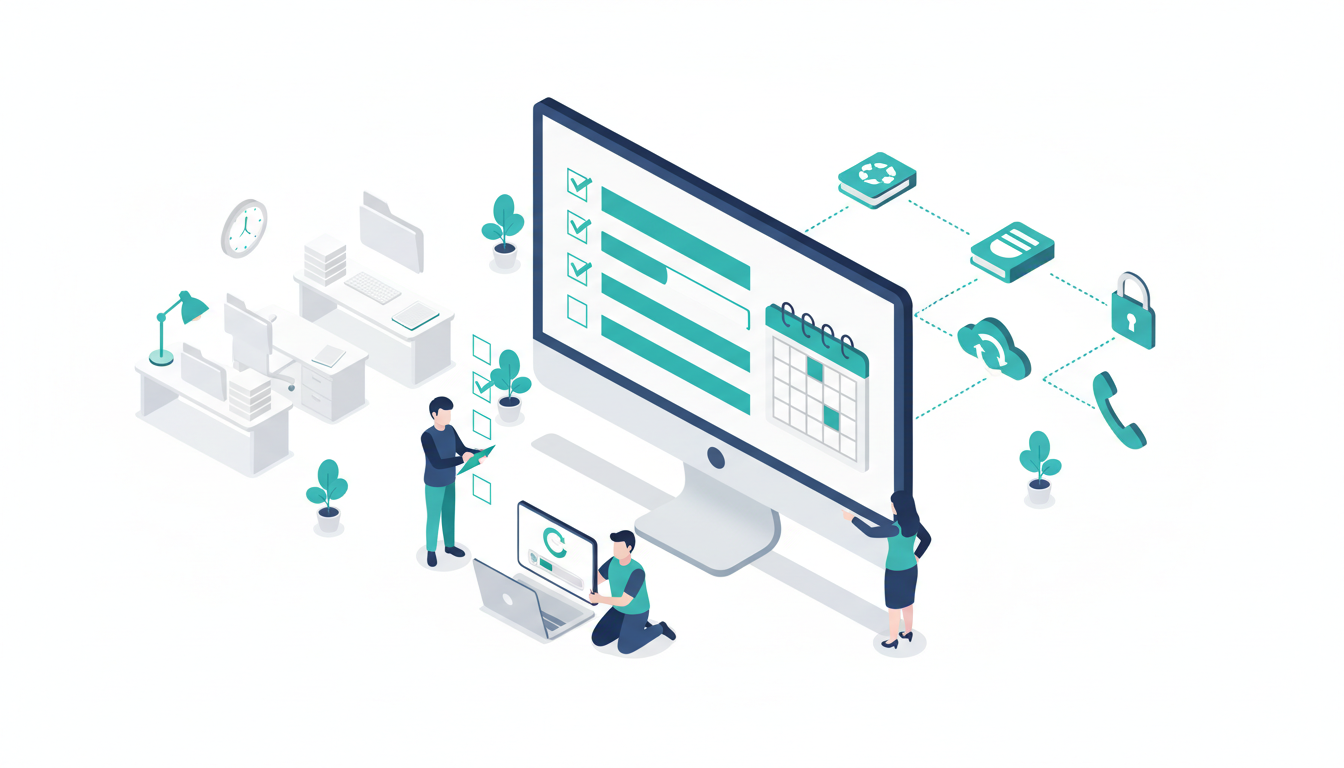
Making Tax Digital adds pressure too. MTD for Income Tax started on 6 April 2026 for qualifying income over £50,000. It extends to £30,000 from April 2027 and £20,000 from April 2028. More clients on quarterly updates means your software and connectivity have to work every quarter, not just in January.
What cyber security for accountants actually matters?
The threat is real for firms of every size. The government’s Cyber Security Breaches Survey 2025/2026 found that 43% of UK businesses identified a breach or attack in the past 12 months. Phishing was by far the most common type.
For a practice, the most damaging attack is often payment redirection. A criminal gets into a mailbox, watches the conversation, then sends a client “updated” bank details for a tax payment or fee. It looks like it came from you.
The good news is that the basics stop most of it:
- MFA everywhere. A stolen password alone should never open a mailbox.
- Email filtering and spoofing protection. Set up SPF, DKIM and DMARC so criminals cannot easily pretend to be your domain.
- A callback rule. Any change to bank details is confirmed by phone on a known number, never by replying to the email.
- Patching and endpoint protection. Every device updated and monitored, including the partner’s home laptop.
- Short, regular staff training. Ten minutes a month beats a two-hour session once a year.
- Cyber Essentials. The government-backed scheme covers the core controls and gives clients and insurers proof you take security seriously. The same survey found only 17% of businesses were aware of it.
If personal data is exposed, the clock starts quickly. The ICO says you must report a notifiable breach within 72 hours of becoming aware of it. Your IT provider should help you work out what happened, fast.
If you want help with any of this, our cyber security services for small business cover email security, Cyber Essentials and staff training. Cirrus is Cyber Essentials certified, so we follow the same controls we recommend.
How much does IT support for accountants cost?
Most managed IT providers charge per user, per month, for a defined service. The price varies with what is included, so compare like for like rather than headline figures.
A fair quote should spell out:
- Service desk hours and response times, including evenings and weekends.
- Whether Microsoft 365 licences are included or billed separately.
- Backup, including Microsoft 365, and how often restores are tested.
- Security tools: email filtering, endpoint protection, MFA management.
- On-site visits, and what they cost if they are not included.
- Project work, such as new laptops or a server move, and how it is priced.
Then weigh the price against the cost of downtime. Go back to the 12-person practice in Chester. If its average charge-out rate were £80 an hour, those 36 lost hours in January would be worth £2,880 in billable time alone. That figure is illustrative, but the maths is worth doing with your own numbers.
Cheap support that only answers from 9 to 5 on weekdays can cost more than it saves in a single bad week.
Managed, co-managed or in-house: which suits your practice?
There is no single right answer. It depends on size and who you already have.
- Fully managed suits most practices of 10 to 50 staff with no dedicated IT person. Managed IT support for accountants means one provider owns everything.
- Co-managed suits firms with an internal IT person who needs backup, out-of-hours cover or specialist security skills. Our guide to co-managed IT support explains how that split works.
- In-house only is rare below 50 staff. One person cannot cover every hour, every holiday and every skill.
You can read more about how we work with accountants, solicitors and consultancies on our IT support for professional services page.
What should you ask an IT provider before you sign?
Good providers welcome hard questions. Here are the ones that separate them from the rest.
- What is your average response time, and can you show me the data?
- Who answers the phone at 8pm on 30 January?
- Which accountancy software do you already support for other practices?
- When did you last test a restore for a client, and how long did it take?
- How do you handle a new starter and a leaver, step by step?
- Who owns our admin accounts and domain, us or you?
- What happens in the first hour if we get ransomware?
- Can you help us achieve and keep Cyber Essentials?
Watch for vague answers on restores and admin ownership. Those are the two that hurt most when things go wrong.
FAQ
Do accountants need specialist IT support?
Not always a specialist, but you need a provider who understands deadline peaks, client data duties and practice software. Generic support often misses the January problem until it happens.
Is Cyber Essentials mandatory for accountancy firms?
It is not a legal requirement for most practices. However, some clients, insurers and contracts ask for it, and it covers the controls that stop most common attacks.
What is the biggest IT risk for an accountancy practice?
For most practices it is email compromise leading to payment fraud, followed by data loss without a tested backup. MFA, a callback rule and restore testing address both.
Can a small practice of five people justify managed IT support?
Often yes. Smaller practices have fewer people to absorb an outage, and per-user pricing keeps costs in line with headcount.
Talk to someone who has seen it before
If you are not sure your IT will hold up this January, let us take a look. We offer a free, no-obligation IT review call to spot gaps and quick improvements, with no hard sell.
Our service desk is open 7 days a week, with a 15-minute average response time. We support firms across Chester, Cheshire, the Wirral, Liverpool and North Wales, as well as further afield.
Book your free IT review or call us on 0330 313 0966.